
Key Takeaways
- Postcode maps visualize data to reveal insights for marketing, sales, logistics, and planning
- Key steps: select tools, gather accurate data, prepare it, and add analysis layers
- Maps improve sales by optimizing routes and identifying profitable areas
- They enhance customer experience through personalization and targeted messaging
Introduction
Picture this: You’re at your desk, looking at your city map. But instead of just seeing streets and buildings, you’re seeing a goldmine of actionable information. Which areas have the most potential customers? Where should you focus your marketing efforts? How can you make your deliveries lightning-fast?
That’s where the magic of creating a territory map with postcodes comes in.
This guide will provide all the information you need to create a territory map with postcodes. Let’s get started!
💡 Use accurate data to create a postcode map. We offer the most comprehensive and up-to-date international postcode data for enterprises. Browse GeoPostcodes datasets for free and download a sample here.
Choosing the Right Tools for Postcode Mapping
Before you begin, you must decide which tool to use for your map. The right tool will depend on your needs—how much data you have, how detailed you want your map to be, and your technical experience.
Check out our Comparing Postcode Mapping Tools article to determine which suits you best.
If you want to not only plot postcodes but also create maps that illustrate a detailed story, choosing user-friendly interactive map apps will simplify your process.
Below, we’ll quickly go through online mapping services and GIS software. Let’s begin with online mapping services. If you’re a beginner or need to create a simple map quickly, these services come in handy. They require little technical knowledge and allow you to create maps in just a few clicks.
Google Maps
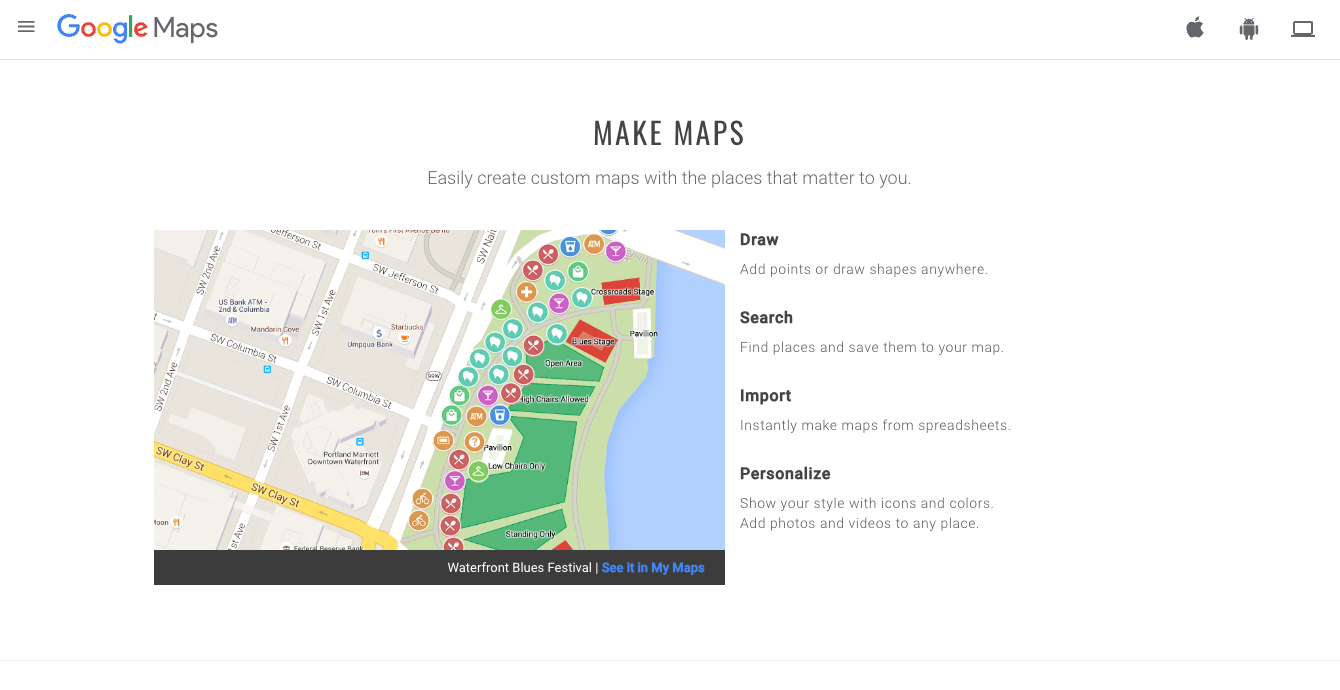
It’s free and easy to use for small projects. You can upload postcodes and visualize them instantly. However, customization options are limited.
Maptive
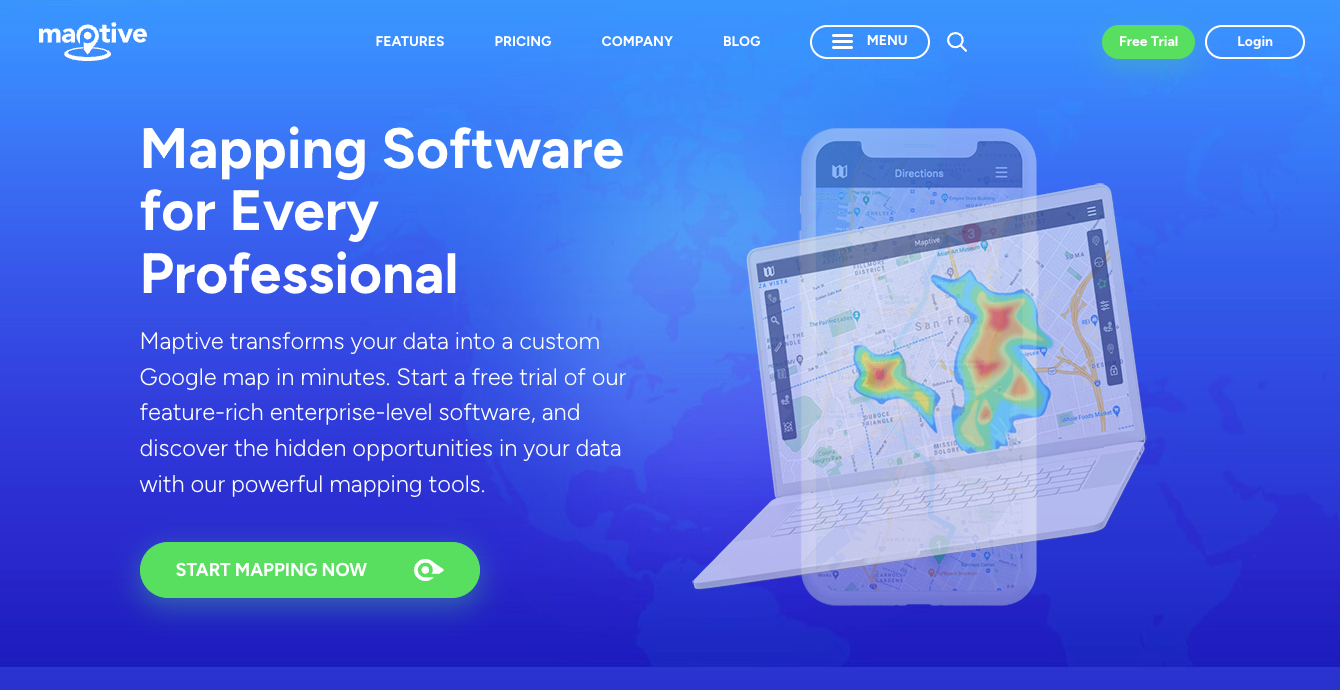
Designed specifically for business use, Maptive lets you build custom maps that visualize your business territories with postcodes. It’s excellent for non-technical users who need detailed map features.
Check out our tutorial on How to create a postcode map? A step-by-step guide to building a territory map with postcodes using Maptive, Google Maps, or Microsoft Excel.
For more complex projects or if you need advanced data analysis, GIS software offers powerful tools for creating custom maps. Below are a couple of examples:
ArcGIS Pro
Ideal for professional map creation, ArcGIS Pro supports multiple layers and complex spatial analysis. It’s perfect for advanced features like geographic heatmaps and detailed boundary editing.
QGIS
This open-source tool is highly customizable and allows you to create intricate maps. It’s free but requires more technical skill.
Carto
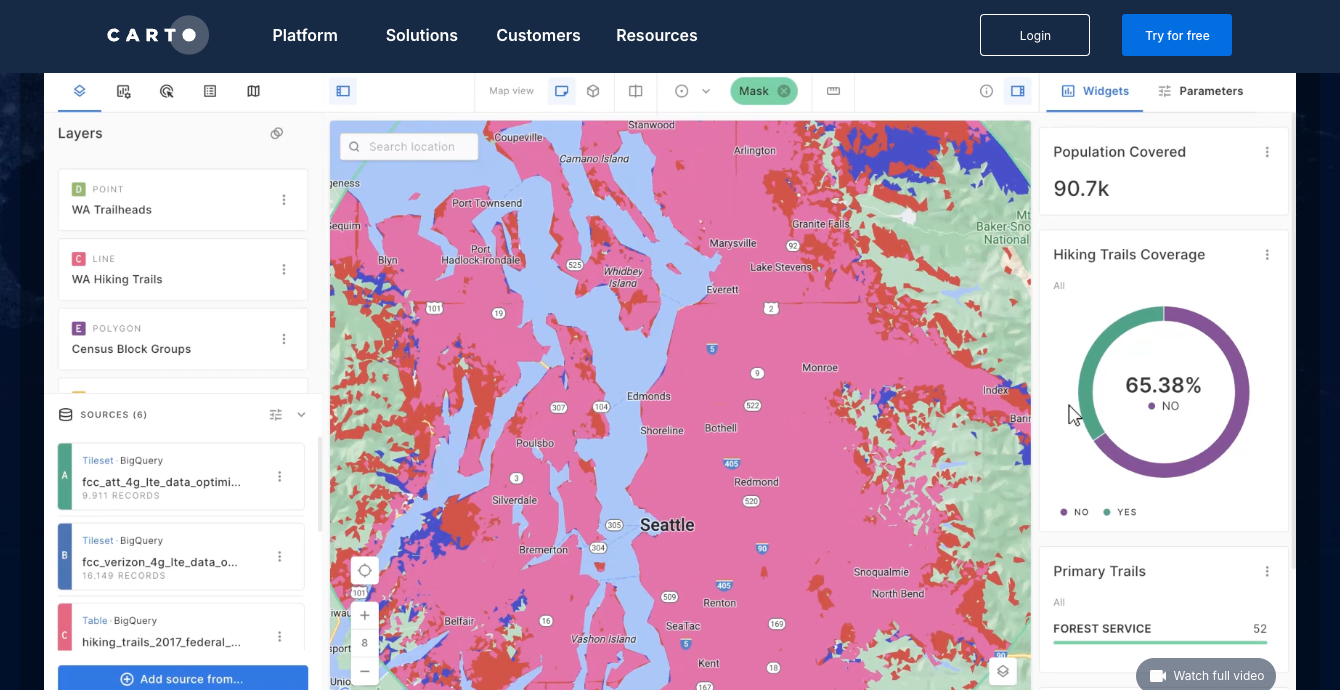
This tool offers more flexibility with different data types and interactive features. It’s user-friendly and great for creating maps for marketing or sales analysis.
Now, let’s go through the steps to create a territory map:
Step 1: Collect Postcode Data
Before you start, it is important to ensure that the source of your postcode data is standardized, accurate, and up to date. Because countries have different postcode formats and postcodes change often, it is difficult to find a reliable source that consistently maintains and updates this information.
Check our article on The Best Location Data Companies to get clear direction on what type of provider is best for your needs and different ways of sourcing postcode data, such as local providers or open-source data.
💡 Use accurate postcode data to create a territory map with postcodes. Our location data is updated weekly, relying on more than 1,500 sources. Browse GeoPostcodes datasets and download a free sample here.
If you are creating your database, inform yourself about the Challenges of Building a Standardized Postcode Database.
Step 2: Prepare Your Data for Mapping
If you have an in-house postcode database or are sourcing the data from an open-source data provider, make sure it follows the below points:
- Excel or CSV Format: Most mapping tools, such as Google Maps, Tableau, and ArcGIS, work best with data in Excel or CSV files. Ensure that each row represents a single data point (like a postcode or a location) and that your columns have clear, descriptive headers like “Postcode” or “Latitude.” Avoid using special characters or overly complicated column names.
- Include Geographic Fields: Your data must contain essential geographic information, such as postcodes, latitude, and longitude. These fields allow the map to pinpoint locations and display your data correctly.
- Data Cleaning: Clean your data thoroughly before uploading it to the mapping tool. This means correcting any typos, removing duplicates, and fixing formatting issues. For example, ensure that postcodes are in a consistent format and that coordinates are accurate. Clean data helps avoid errors and ensures your map displays properly.
- Combining Data Sources: If your data is spread across multiple files or databases, you must merge them into a single dataset. This can be done in Excel by combining tables or in GIS tools like ArcGIS, which allow you to join datasets based on common fields (like postcodes or coordinates).
With well-organized, clean, and accurate data, your map will be more reliable and informative, making it easier to analyze and present your insights.
💡 Don’t let the data management complexity slow you down—Our location data, updated weekly from more than 1,500 sources, allows you to focus on what matters: insights. Browse GeoPostcodes datasets and download a free sample here.
Step 3: Input Your Data into the Mapping Tool
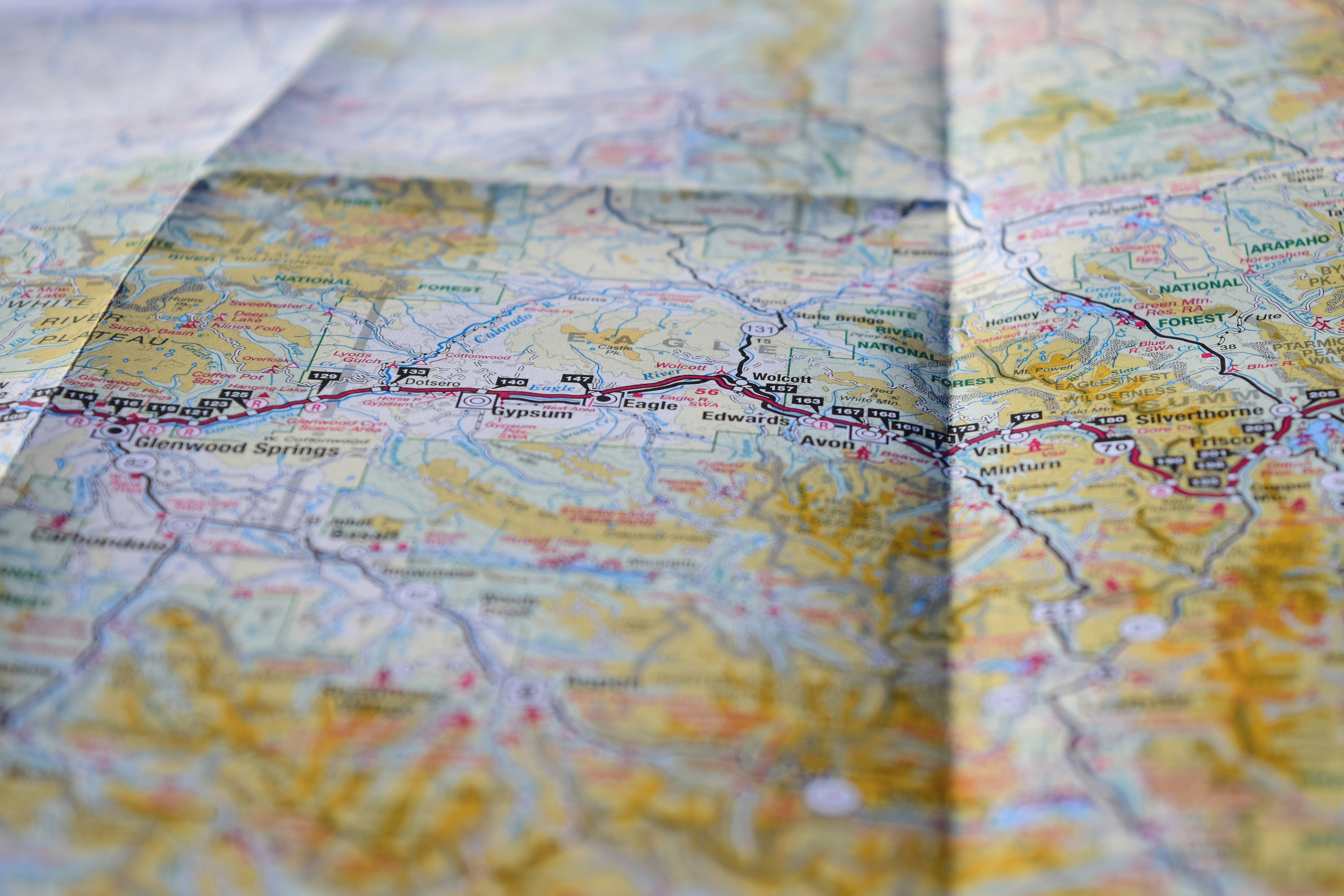
With your initial data ready and the right mapping tools, the actual task begins: building and tailoring your custom map. Whether you want to visualize relevant map data through custom layers or map postcodes to display your company’s reach, this is where you see your data come to life.
Once your data is uploaded, double-check that all locations are plotted correctly on the map. Most tools will allow you to preview the data points to ensure accuracy. This step is crucial in avoiding errors that could distort your map later.
Many mapping tools offer options to refine the appearance of the data, such as showing boundaries or highlighting specific regions. Adjust these settings to fit your goals and make your map clear.
💡 Need postcode boundaries for your own custom map? Browse GeoPostcodes datasets and download a free sample here.
Step 4: Add Analytical Layers
Taking your data points, you can create a postcode heat map to illuminate customer distribution or perform a comparison analysis on different sales territories. Decide what additional data will provide the most value to your analysis. For example:
- Sales Performance Data: Add sales data to each postcode or territory to visually track high-performing areas vs. regions that need improvement.
- Customer Demographics: Layer demographic information such as age, income level, household size, or population density to understand your target audience in different territories better.
- Competitor Data: Overlay competitor locations or market share data to assess competition and identify expansion opportunities.
- Heat Maps: Use the heat maps layer to highlight areas with high concentrations of customers, sales, or other relevant metrics. This is a quick way to spot high-activity zones.
Check out our guide on Geomarketing Strategies: Maximizing ROI with Spatial Analysis to see different types of postcode maps.
Applications of Postcode Territory Maps
Marketing and Sales Territory Planning
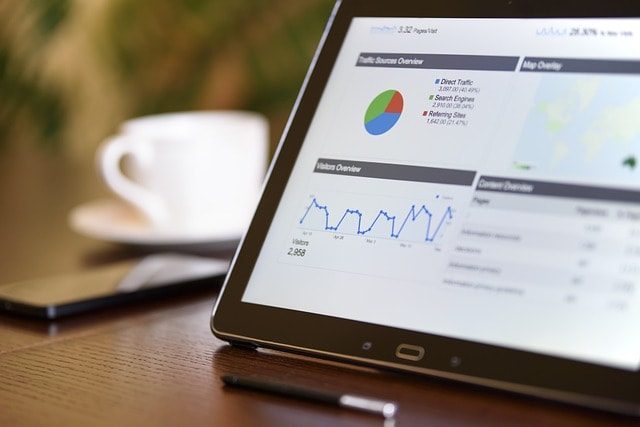
One of the primary use cases of postcode maps is for sales territory planning and targeted marketing. Businesses can leverage these maps to:
- Identify target demographics: Pinpoint specific areas where potential customers reside by analyzing factors such as income, age, and lifestyle interests. For instance, a fitness company could use a postcode map to find neighborhoods with a high concentration of health-conscious individuals.
- Segment customers effectively: Group customers based on location and demographic characteristics, allowing businesses to personalize their marketing strategies. This helps create more focused campaigns, such as targeting urban professionals in one region and suburban families in another.
- Optimize resource allocation: Businesses can allocate their sales teams and resources based on the sales potential in each postcode area, ensuring a balanced and effective approach. By comparing sales performance by territory, companies can identify the regions where their products resonate most and adjust their marketing spend accordingly.
For example, a beverage company could assess the sales performance in different regions and allocate more resources to high-performing postcodes while reducing efforts in areas with lower sales.
Logistics and Distribution Management

Planning delivery routes can be a logistical challenge due to varying customer locations, fluctuating demand, and unpredictable traffic. Postcode maps offer a practical solution by:
- Reducing transport expenses: By visualizing customer demand, supplier locations, and distribution centers on a postcode map, logistics teams can plan more efficient routes. This reduces fuel consumption, cuts travel times, and minimizes overall operational costs.
- Improving delivery times: Accurate postcode maps can help businesses refine their delivery schedules, ensuring that customers receive their products promptly. This results in higher customer satisfaction and better brand loyalty.
- Optimizing your rate cards: With postcodes, you can map zones in a few different ways. You can group areas by postal code ranges (like a group of nearby postcodes), calculate the distance between a postcode and key locations, like ports or airports, and even identify which postcodes belong to certain cities or regions. This approach helps fine-tune your zoning strategy, making it easier to adjust rate cards and keep your pricing accurate.
For example, a food delivery service might use postcode maps to optimize delivery routes during peak hours, ensuring drivers avoid congested areas and make faster deliveries.
- Boosting operational efficiency: By streamlining delivery routes and monitoring inventory levels across various postcode regions, companies can improve overall operational efficiency. Postcode maps also allow businesses to track delivery progress in real-time, providing a holistic view of their distribution network.
Urban Planning and Analysis

City planners and municipal authorities use postcode maps to analyze and enhance urban development. These maps enable:
- Understanding community needs: Postcode maps highlight key demographic data, such as income levels, population density, and even crime rates. Planners can use this information to assess each neighborhood’s unique needs and allocate resources accordingly.
For example, a city might prioritize building affordable housing in postcodes with lower average income levels while increasing green spaces in densely populated urban areas.
- Identifying challenges and opportunities: Postcode maps reveal underdeveloped areas and overcrowded zones, allowing urban planners to design more effective infrastructure and service improvements. This can include everything from road expansions to the construction of new schools and hospitals.
- Designing targeted policies: Policymakers can use postcode maps to implement strategies that address the specific challenges of each region, promoting balanced growth and equitable resource distribution across the city.
For example, using data from postcode maps, a local government could implement policies to reduce pollution in areas with high traffic density while promoting sustainable growth in developing suburbs.
The Benefits of Using Postcode Territory Mapping in Business
Leveraging postcode territory mapping can offer a range of benefits for businesses across different industries. Let’s explore how it can increase efficiency, enhance customer experience, and drive growth.
1. Increasing Sales Efficiency
Postcode mapping can significantly boost sales efficiency by optimizing how your sales team operates. Here’s how:
- Reducing travel time and costs: By mapping territories based on postcodes, sales teams can plan more efficient routes, reducing travel time and fuel consumption. For example, a field sales team might map out their customer visits to minimize backtracking, resulting in lower travel expenses and a reduced carbon footprint.
- Improving sales performance: Territory maps enable businesses to track key metrics such as sales volume, revenue, and customer satisfaction by postcode. With this data, managers can identify high- and low-performing areas, enabling targeted coaching for sales reps and ensuring they focus on the most profitable regions.
- Fostering collaboration across teams: Postcode mapping makes it easy to share insights across departments. Sales teams can align with marketing, customer service, and operations, ensuring a unified approach to customer engagement. For instance, if a marketing team sees a high response rate in a specific region, they can collaborate with sales to double down on that area.
By streamlining sales operations, businesses can increase revenue while using fewer resources, leading to better profitability and a stronger market position.
2. Enhancing Customer Experiences
Delivering an exceptional customer experience is critical to building long-term relationships. Postcode territory mapping allows businesses to:
- Personalize solutions: Postcode mapping enables businesses to segment customers based on location, behavior, and preferences. For example, an HVAC service company might offer different maintenance packages to suburban customers than urban clients based on their specific needs.
- Send timely, relevant messages: By analyzing postcode data, companies can deliver personalized campaigns and offers at the right time. A retailer, for instance, can launch a local promotion for specific postcodes right before a holiday season, ensuring the message resonates with the local market.
- Build lasting relationships: Territory mapping helps track past interactions and anticipate future needs using predictive analytics. For example, a financial services firm can use historical data to predict when customers are likely to need refinancing or investment services, allowing for proactive engagement.
By improving the personalization and timing of customer interactions, businesses can increase customer satisfaction, loyalty, and retention, resulting in more referrals and positive reviews.
3. Fostering Business Growth
Postcode territory mapping is also a powerful tool for driving business growth. It helps companies:
- Identify new opportunities: Businesses can use geographic and demographic data to identify untapped markets or high-potential regions. For example, a healthcare provider could map out underserved postcodes with a growing population of elderly residents, allowing them to expand services in those areas.
- Expand into new markets: Mapping enables businesses to strategically assign territories based on growth potential and profitability. A retail chain might use postcode data to decide where to open new stores based on customer density and competitor locations.
- Innovate based on customer feedback: Using data from specific regions, businesses can tailor new products or services to solve local pain points. A food delivery service, for example, could introduce a new feature like contactless delivery in regions where customers show a preference for convenience and safety.
By identifying opportunities and expanding thoughtfully into new territories, businesses can increase their market share and achieve sustained growth, ensuring long-term success.
Conclusion
In conclusion, building a custom postcode territory map is a powerful way to unlock the potential of geographic data for your business. By following the steps in this guide, you’ve learned how to select the right tools, gather accurate data, and create maps that offer strategic insights into your operations.
The success of your map lies in the precision and relevance of your data. Whether it’s plotting sales territories or streamlining logistics, each layer of insight enhances your ability to make informed decisions and stay ahead of the competition.
If the process seems complex, don’t worry—GeoPostcodes is here to make it easy. With our up-to-date and reliable postcode data, you can skip the hassle of data management and focus on extracting valuable insights that drive growth. Start today by browsing our datasets and downloading a free sample to see the difference it makes.
FAQ
How to create a territory map by postcode?
Choose the Right Tool: Options include Google Maps, Maptive, or advanced tools like ArcGIS Pro and QGIS.
Collect Accurate Data: Ensure your Postcode data is up-to-date and clean.
Prepare Data: Use Excel or CSV formats, including Postcodes, latitude, and longitude.
Input Data: Upload to your tool, verify points, and refine your map’s appearance.
Add Layers: Include sales, demographic, or competitor data for analysis.
Check out GeoPostcodes for accurate and up-to-date postcode and boundaries data.
How do I create a postcode map for free?
Consider using interactive map apps like Map Developers or Free Map Tools, which help you to input only postcodes and generate a map that can be customized with a variety of visualization tools, like postcode labels and heat maps, all without the need for downloading complex software or incurring extra costs.
How to create a map in Excel with Postcodes?
Check our tutorial on Creating a Postcode Map for detailed information.
How to show postcode boundaries in Google Maps?
In Google Maps, go to “My Maps,” create a new map, and use the “Import” feature to upload your KML or GeoJSON file. The map will then display your Postcode boundaries.